“Isn’t digital perfect? It’s just 0 and 1—why are there errors?” Many people believe digital audio is clean and unchanging. But the digital world has scary enemies. They can ruin our precious recordings and make our results sound unprofessional. (Ding—error!)
Let’s meet the two main villains: jitter and clipping.
1. Clipping: a sound with its head cut off
The most common—and most fatal—mistake. In Part 4 we learned about bit depth. Digital containers have a maximum size (0 dBFS).
If water overflows a cup, the floor gets wet. But if sound exceeds 0 dBFS? The top of the waveform gets sliced off—clipped. (Chop!) A smooth wave becomes a square wave, causing heavy distortion and an ugly “zzzz!” noise.
- Analog distortion: tubes or tape distort softly and warmly when pushed. (Musical)
- Digital clipping: cold, harsh, ear‑piercing noise. (Unmusical)
Solution: Never exceed 0 dB. When recording, keep your loudest peaks around ‑6 dB to ‑10 dB. “Won’t it be too quiet?” Don’t worry. You can turn quiet recordings up later. You can’t fix a clipped sound, but you can raise a quiet one. (Safety first!)
2. Jitter: a shaky clock
This is a bit complex, so let’s use an analogy. Imagine jump‑roping while a friend turns the rope. If they turn it steadily (tick‑tock‑tick‑tock), you can jump easily. (Nice rhythm!) But if they’re drunk and speed up or slow down (tick—tock—tick—‑tock), you’ll trip.
Jitter is when the clock timing of digital sampling wobbles. At 44.1 kHz, we must sample 44,100 times per second at precise intervals—but tiny timing errors occur.
- If jitter is bad:
- The sound loses focus (blurry feeling)
- The stereo image narrows
- Highs sound rough and cold (gritty)
Solution: With a typical commercially available audio interface, jitter isn’t a serious concern. However, in complex pro setups using word clock connections, the “master clock” must be set correctly. For home recording, remember just this: Use a good interface and keep your drivers updated. (Check often!)
3. Pop noise and click noise
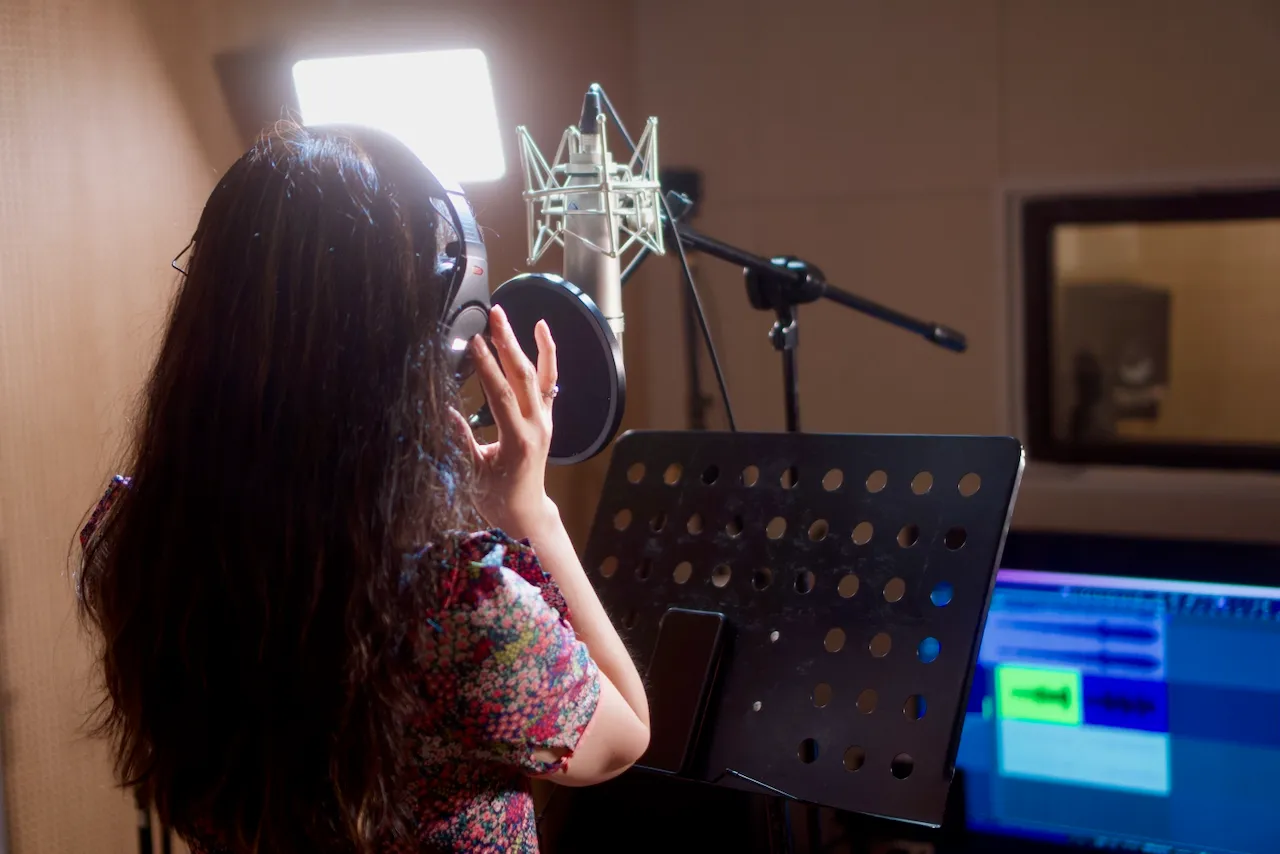
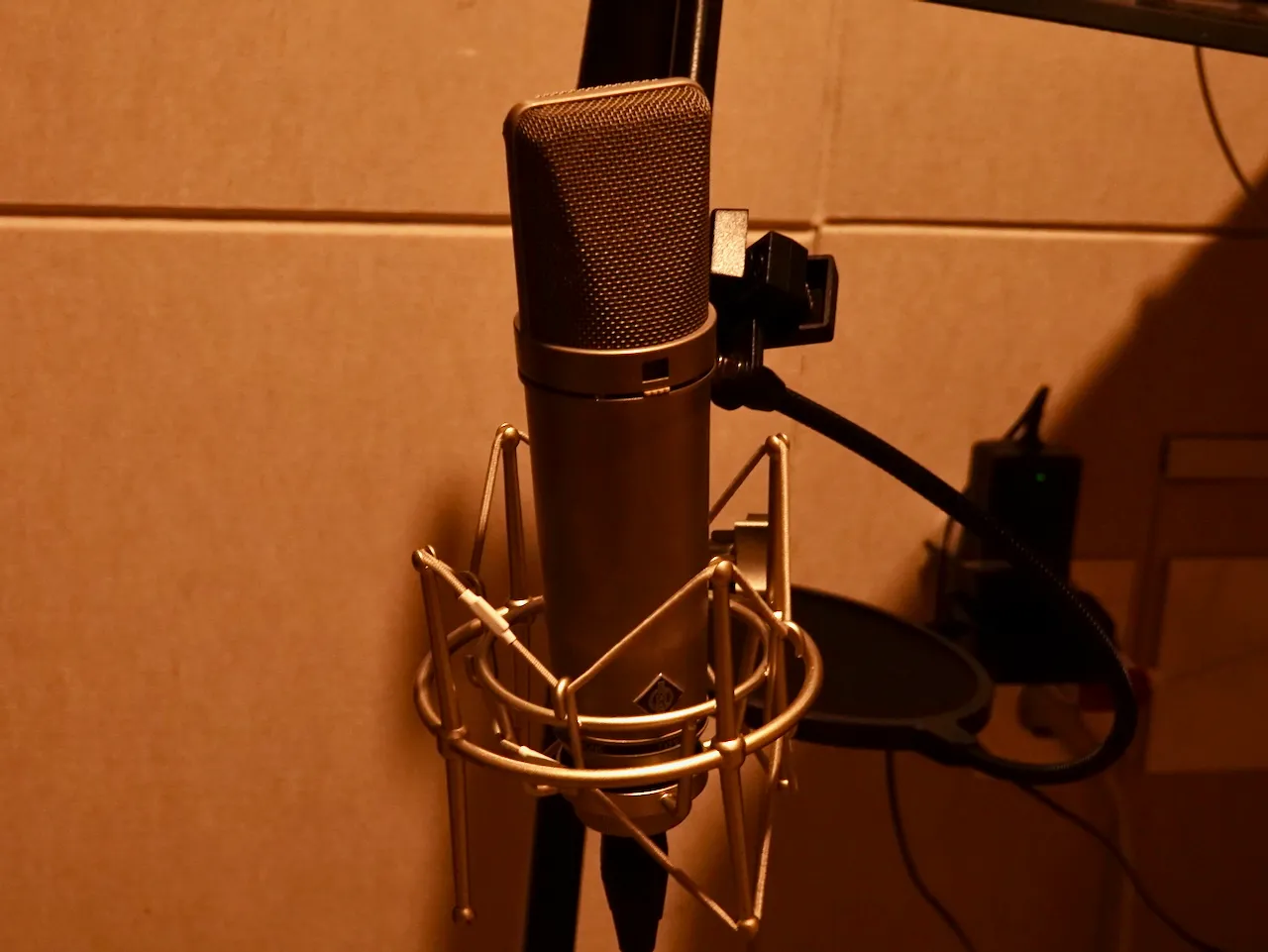
- Pop noise: the “puh, tuh, ts” air bursts hitting the mic (“puh!”).
- → Always use a pop filter. (Pops are painful in mixing.)
- Click noise: “tick! tick!” when the computer stutters.
- → Increase buffer size. (Recording: 128 or lower, mixing: 1024 or higher)
The three commandments of digital audio
- Red light is dead light. (Red on the meter means death. Never exceed 0 dB.)
- Record low. Clipping is scarier than noise.
- Don’t skimp on computer specs. If the CPU struggles, the sound struggles too. (Stutter—stutter!)
[Common Beginner Mistakes] 💥
- “It’s only good when the red light hits.” Some people feel pleasure when the meter turns red (0 dB). That’s not pleasure—it’s the scream of tearing sound. (Zzzzt!)
- “Ignoring gain staging.” You recorded too loud and already clipped, then turn down plugin volume and say “It’s fine now.” If the head is chopped off, putting a hat on it doesn’t grow it back.
- “Pop filters are just for style?” They’re not for looks. They protect the mic from burst air on “p, t, ts.” Skip it and you’ll suffer through “puh‑puh” pops in mixing.