"Can I fix a track I've already put out?"
This is the question artists ask most, whether they're approaching a release or have just finished one. "Listening back to the master, the vocal feels buried." "The date is coming up but I'm still not happy with the artwork." "A competing release landed on the same day and I want to push mine back." A music release isn't a button you press once and you're done — it's a process where what is and isn't possible is sharply divided by whether you've pressed it yet. This guide lays out exactly how far you can go with post-release edits, re-releases, date postponements, and cancellations, framed around ISRC, streaming counts, and playlist retention.
The core principle, stated up front: before release you can change almost anything; after release you can only change metadata. The audio itself is effectively frozen the moment it goes out.
Before Release — Almost Everything Is Changeable
While the track is not yet visible in stores, you have a lot of freedom.
What you can change
- Swap the audio file: replace it with a new mix or master
- Change the release date: move it earlier or later
- All metadata: title, artist name, composer/lyricist credits, genre, lyrics
- Artwork: replace with a new cover
- The release itself: delete the registration entirely
But a "lock window" exists
Distributors deliver the track to each store a few days before the release date (the window varies by platform and distributor — e.g. 2–7 days). Once delivery has started, swapping audio or changing the date becomes restricted or impossible. So in practice the working deadline is "all assets locked by one week before release." Tying up the master, artwork, metadata, and lyrics as finals by this point is the safe move.
After Release — Audio Is Frozen, Metadata Is Editable
Once a track is live, the rules change completely.
Editable — metadata
You can submit edit requests for the following through your distributor. Note that it takes a few days to a few weeks to reflect in each store.
- Typos in the title or subtitle
- Artwork replacement
- Credit corrections (composer, lyricist, arranger, performers)
- Some genre/release details
Not editable — the audio file
This is the most important point. The audio file of a track that's already released cannot be swapped. Even if you want to re-record the vocal, touch up the mix, or change the master loudness, you cannot overwrite a live track with new audio. Spotify and other major platforms block audio replacement of released tracks as a matter of policy.
To present a new version, you ultimately have to take the separate path of a re-release.
Re-Release — New ISRC, New Starting Line
A version with changed audio is treated not as an "edit" of the existing track but as a brand-new track.
First, the ISRC–UPC relationship
- ISRC (International Standard Recording Code) identifies a recording (track). When the audio changes, a new ISRC should be assigned, as a rule.
- UPC (barcode) identifies a release. A re-release is a separate release with a new UPC.
In other words, if you re-release with a new mix or master, a new ISRC and new UPC are created, and the original track's streams, saves, and playlist placements are not inherited. They start again from zero.
So re-release only when it's a "strategy"
Because the counts reset, re-releasing is something you choose when there's a clear intent, not for a simple touch-up.
- Deluxe edition: a new release adding bonus tracks or remixes
- Remaster: an anniversary re-release with fully improved audio quality
- Album inclusion: putting a pre-release single back out as the album version
- Featuring / language versions: a version with another artist, or a foreign-language version
Conversely, if the reason is just "the master is a little disappointing," spending more time on pre-release review is far more economical than re-releasing.
Postponing a Release — Possible, But It Has a Cost
If you want to push the date back, the track must not yet be live.
- Before delivery: your distributor can freely move the date back
- After delivery: it may be restricted by the lock window
- Editorial pitch update: if you have already pitched to a Spotify editor (Spotify for Artists), after changing the date make sure delivery to your distributor is complete at least 7 days before the new release date and update the pitch. A pitch can be edited up to the release date, but there is no guarantee that editors will see the edits
- Pre-save links: dates on any distributed pre-save links and promo materials must all be updated
Postponing isn't technically hard, but it comes with the side work of realigning your promo assets.
Canceling a Release — Before and After Are Totally Different
- Cancel before release: simply have your distributor delete the registration. Relatively clean.
- Cancel after release (takedown): you can request removal from stores, but propagation takes time, and the ISRC that was already used remains spent. To put the same track out later, you'd have to create a new release with new codes.
Taking a track down right after release is not recommended. Pulling a track that was exposed, even briefly, breaks the data and links built up in the meantime.
What Studio NOL Helps With in Re-Release & Postponement Situations
The points where clients who entrust their release to Studio NOL most often run into trouble with "post-release changes," and how we handle them.
1. Pre-release master review — heading off re-releases before they happen
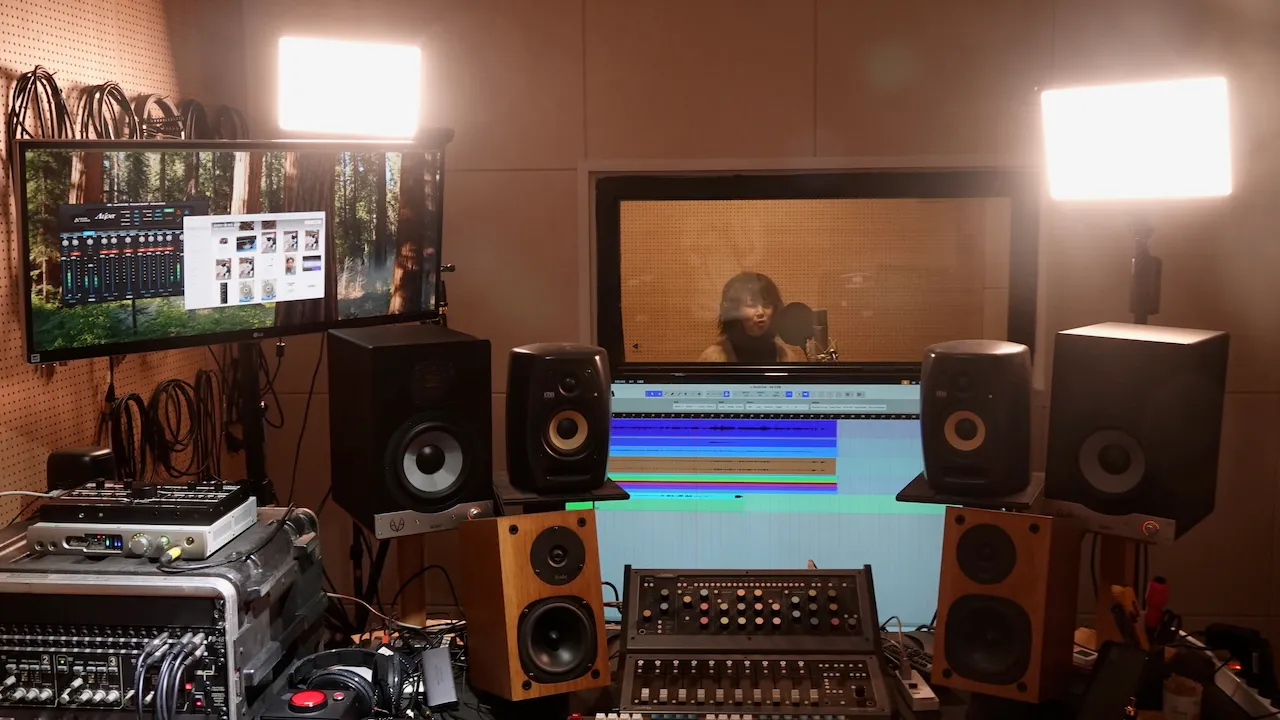
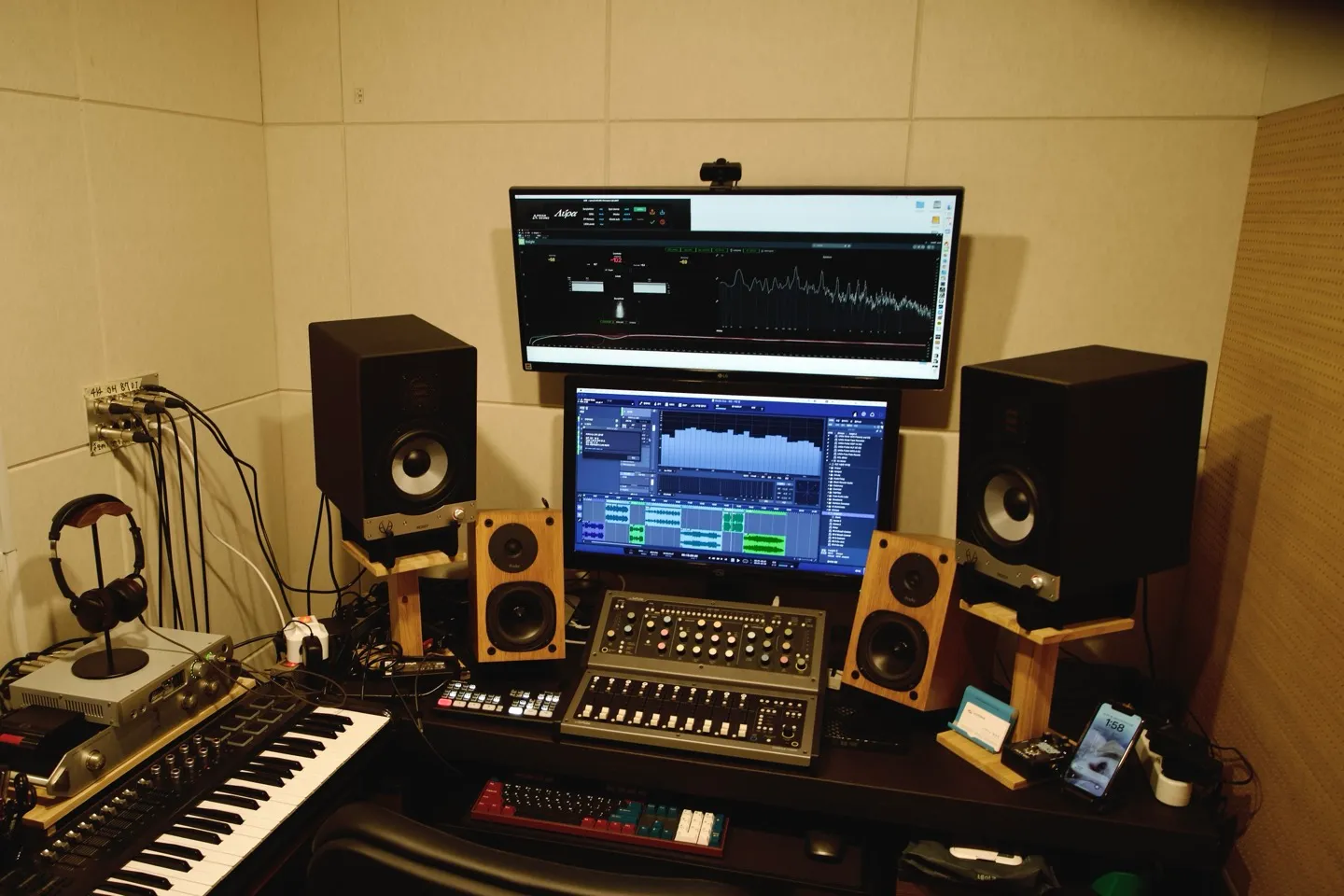
Because we know the cost of a re-release (the count reset), we hold a review meeting one week before release that freezes the master, artwork, metadata, and lyrics all at once. Since mastering is in-house, feedback like "the vocal is buried" or "the loudness is lacking" can be reworked on the spot at this stage, reducing post-release regret in advance.
2. Date adjustment — handling distributor communication for you
When a postponement or cancellation is needed, we check whether you're inside the lock window and, through our Audioguy partnership, sort out the distributor-side processing. The same point of contact also takes care of realigning the editorial pitch and pre-save links.
3. Strategic re-release design
For a re-release that's worth the count reset — a deluxe, remaster, or album inclusion rather than a simple touch-up — we redesign the timeline and metadata from scratch.
In Closing
The most expensive mistake in a music release is the thought "I can just fix it after release." Audio is frozen the moment it goes out, and to revise it you have to accept the new starting line of a re-release. That's why the real heart of a release is the review before you press the button.
Before release you can change almost anything, so listen enough and lock it in. Set one week before release as your asset-freeze deadline and tie up the master, artwork, metadata, and lyrics as finals — and the need for post-release changes drops sharply. If a postponement or cancellation is unavoidable, move before the track goes live, after checking the lock window.
The Complete Music Release Timeline Guide | The Complete Single Release Guide | The Complete Music Distribution Guide | The Complete Spotify Canvas & Lyrics Guide | The Complete Guide to Maximizing Streaming Revenue | The Complete Music Copyright Guide